


Event List Widget
The Event List widget is LogScale's primary
tool for real-time event display as logs are ingested. It displays
individual log entries (events) in a chronological list format, making it
the fundamental visualization component of the
Search interface page.
Think of each event as a structured entry from a log file, containing multiple fields of data. This widget allows you to:
View raw log lines and parsed fields
Scroll through events within your selected time range
Look at events more thoroughly and apply quick filters directly from displayed values, see Inspect Events for more information.
Default view on the Search page, this
widget serves as the starting point for most log investigation and
troubleshooting tasks.
Unicode control characters (C0, C1, and DEL ranges) are rendered as visible placeholders in the event display, improving visibility when inspecting logs that contain binary data, terminal output, or other data with control characters.
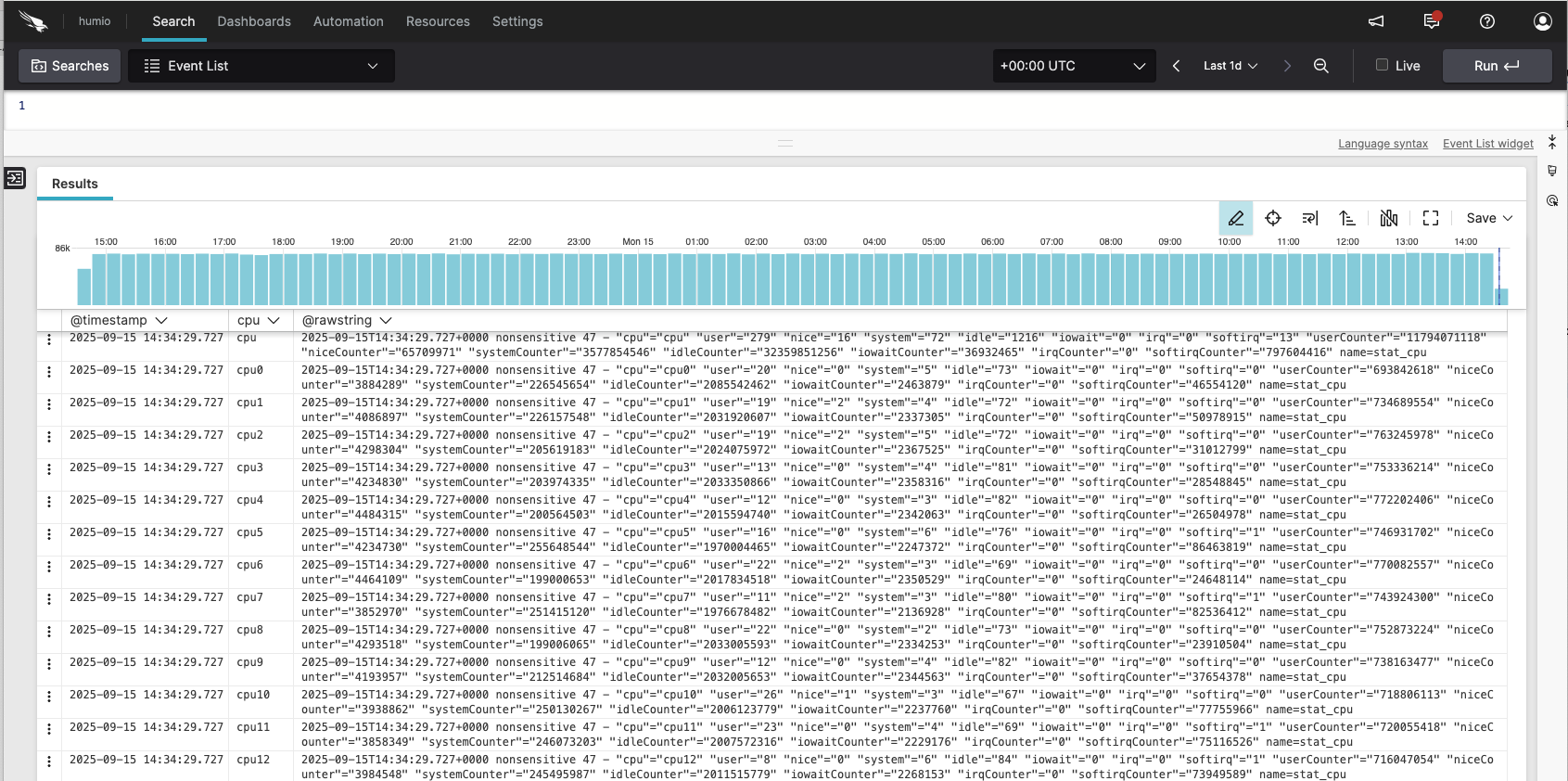 |
Figure 223. Event List
Review these sections for Event List widget
details: