

Create a New Saved Search
Security Requirements and Controls
Create saved queriespermission
To create a saved search from a query that you have used before:
From the
Searchinterface, recall your query by clicking the button → My recents tab.Select your query from the list → click the three-dot menu → select :
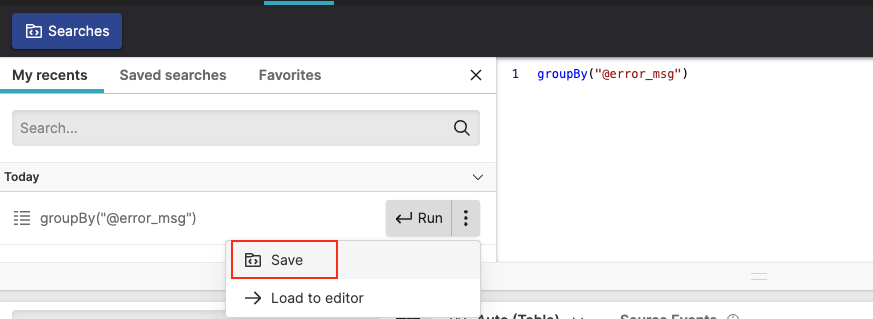
Figure 133. Save a Recent Query
In the Save search dialog popping up, fill in the details as required:
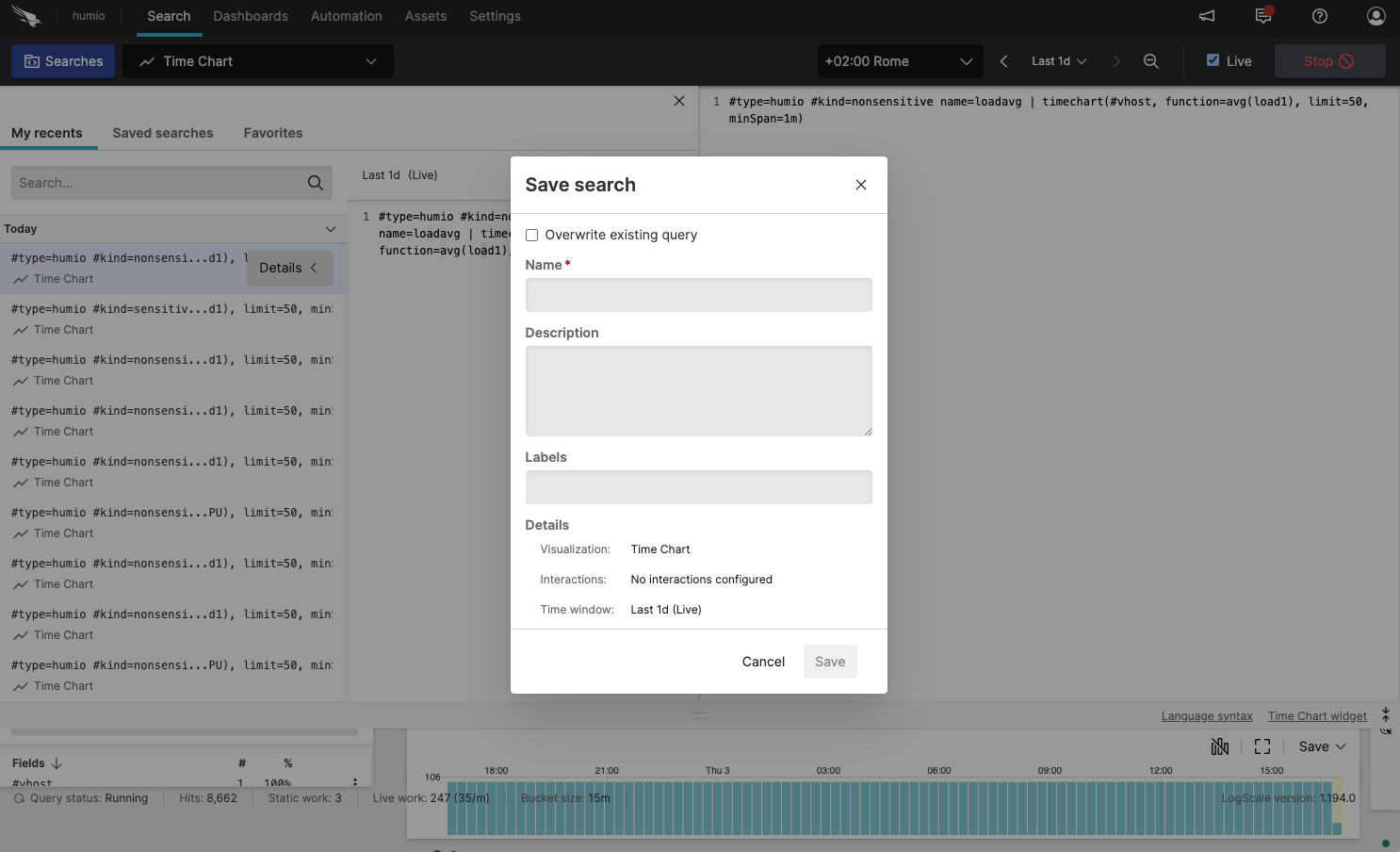
Figure 134. Save a recent search
When selected, allows you to overwrite or update an existing saved search. Choose the search to overwrite from the popup list.
Name
Give the saved search a name. Saved searches can include spaces, but if they do, the name must be quoted.
Description
Provide an optional description.
Labels
Add a number of labels, or create new labels.