

Table Widget
The Table widget displays data in rows and
columns.
Figure 231, “Table Chart” shows an example of the widget's appearance.
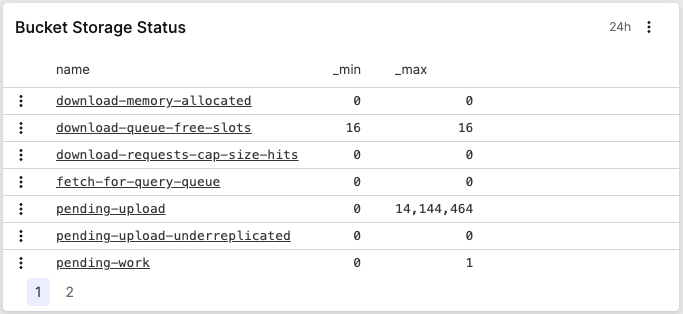 |
Figure 231. Table Chart
Key features are:
Conditional formatting of table cells
Text wrapping and column resizing
Row numbering
Row selection and copy
Number formatting
Link formatting
Columns hiding
Columns reordering
Columns renaming
Review these sections for Table widget
details:
Table Row Selection and Copy
The Table widget provides functionality
to select and copy table rows to the clipboard in CSV format.
Checkboxes appear when hovering over table rows, and a master checkbox in the header allows selecting all rows on the current page:
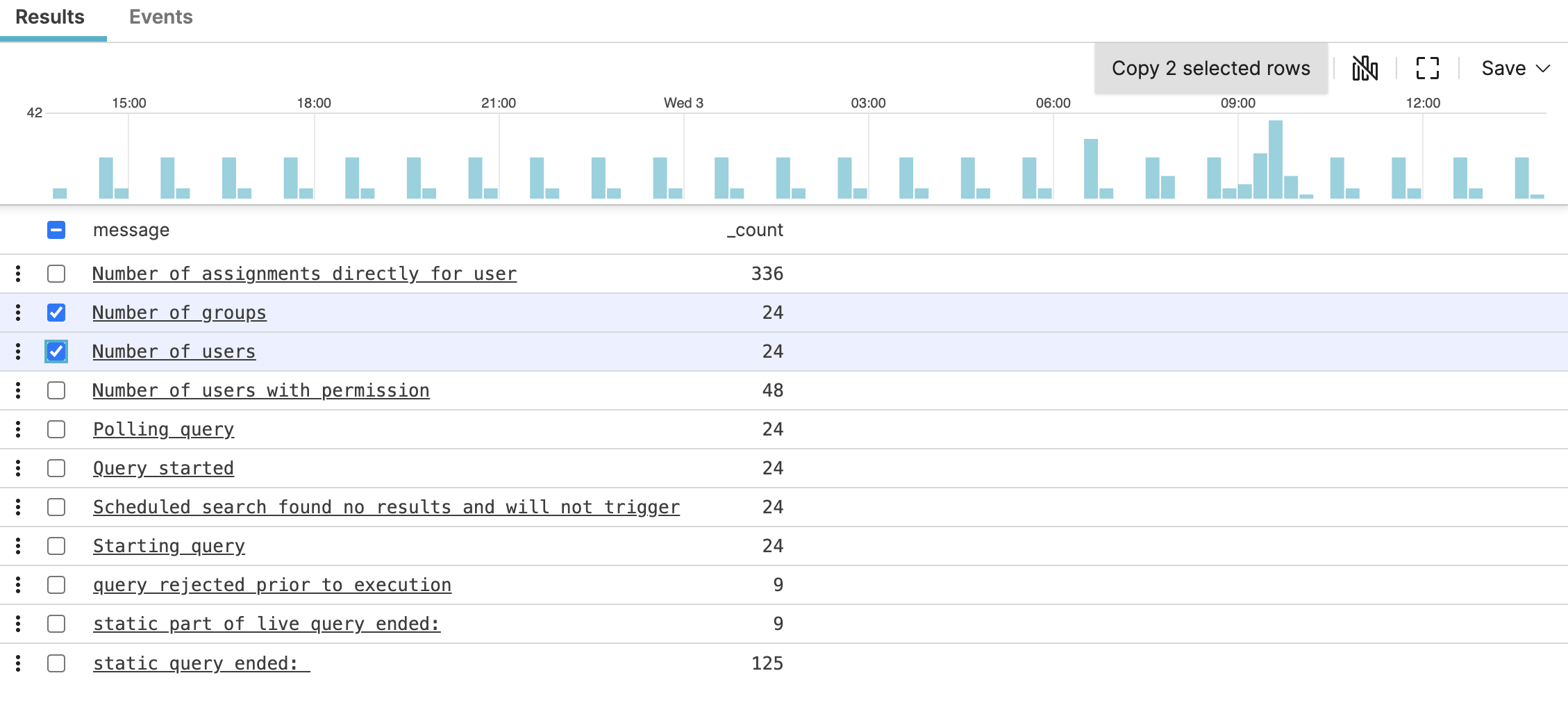 |
Figure 232. Table Chart
This functionality is available from the
Search page. See
Copy Rows for more information.