IMPORTANT: This manual will be archived after 15th December 2025. The manual will be available in a downloadable format and will continue to be updated, but not included as part of the active, searchable, documentation.
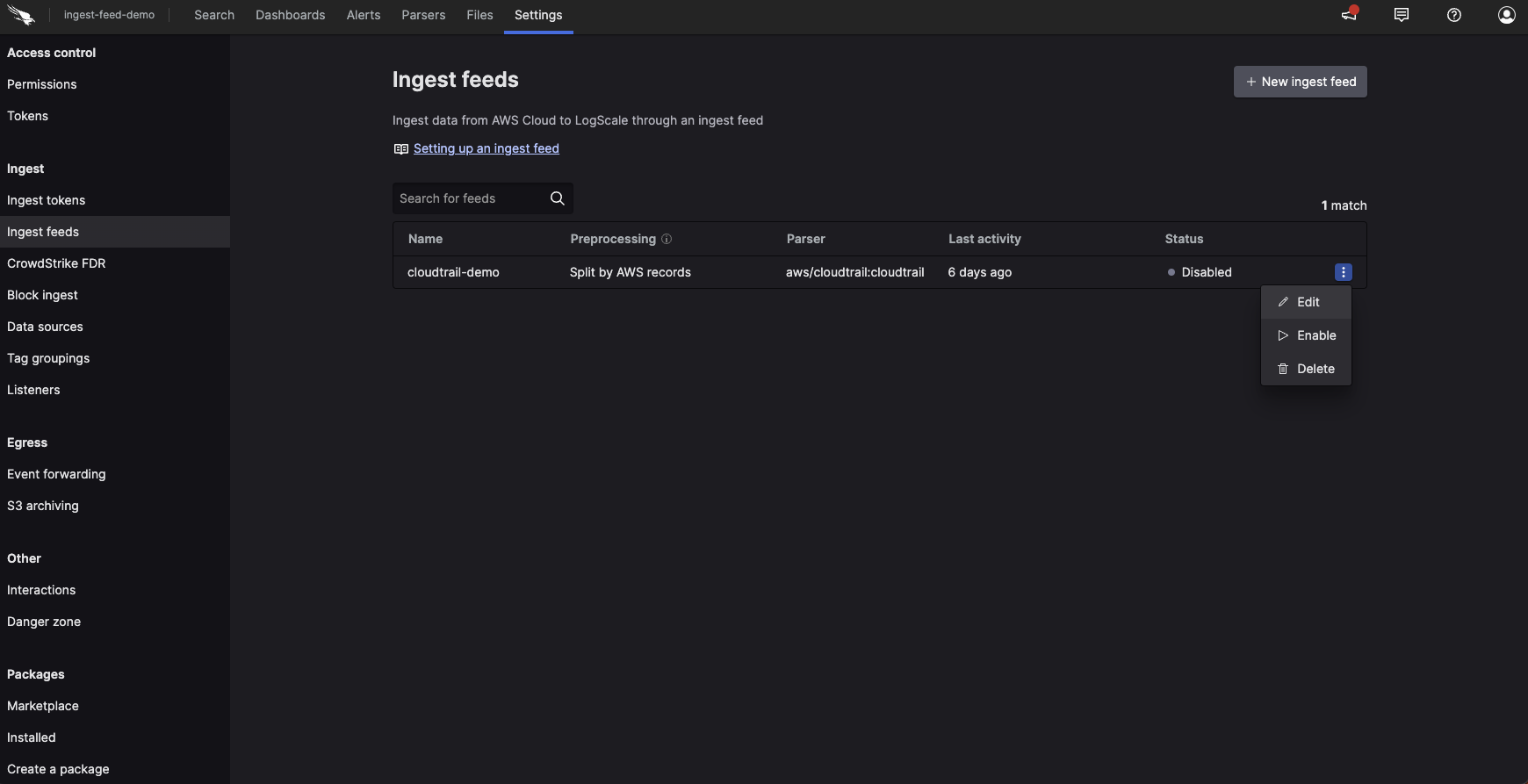
Click Settings, under
Ingest on the side menu
click Ingest feeds.
On the Ingest feeds page, search
for the feed you want to delete using the search box, then click
the ⋮ icon next to the relevant feed
and select Delete.
Figure 149. Ingest Feeds - Delete
Click Delete to confirm
that you want to delete the feed.