

Create a Parser
Security Requirements and Controls
Change parserspermission
This section describes how to create a parser from scratch.
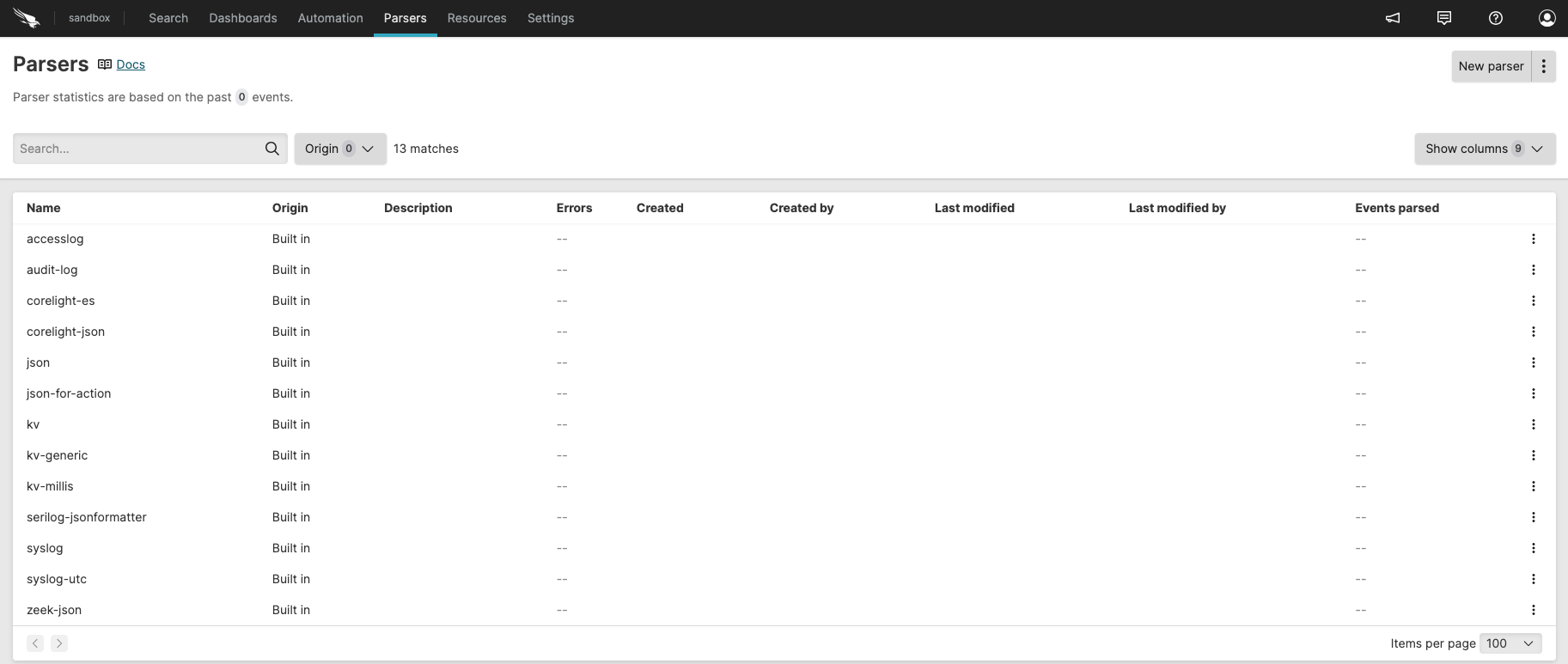 |
Figure 68. Parser Overview
From the Repositories and Views tab, select the repository where you want to create a parser.
Click the menu to reach the
Parsersinterface, then click to create an empty parser: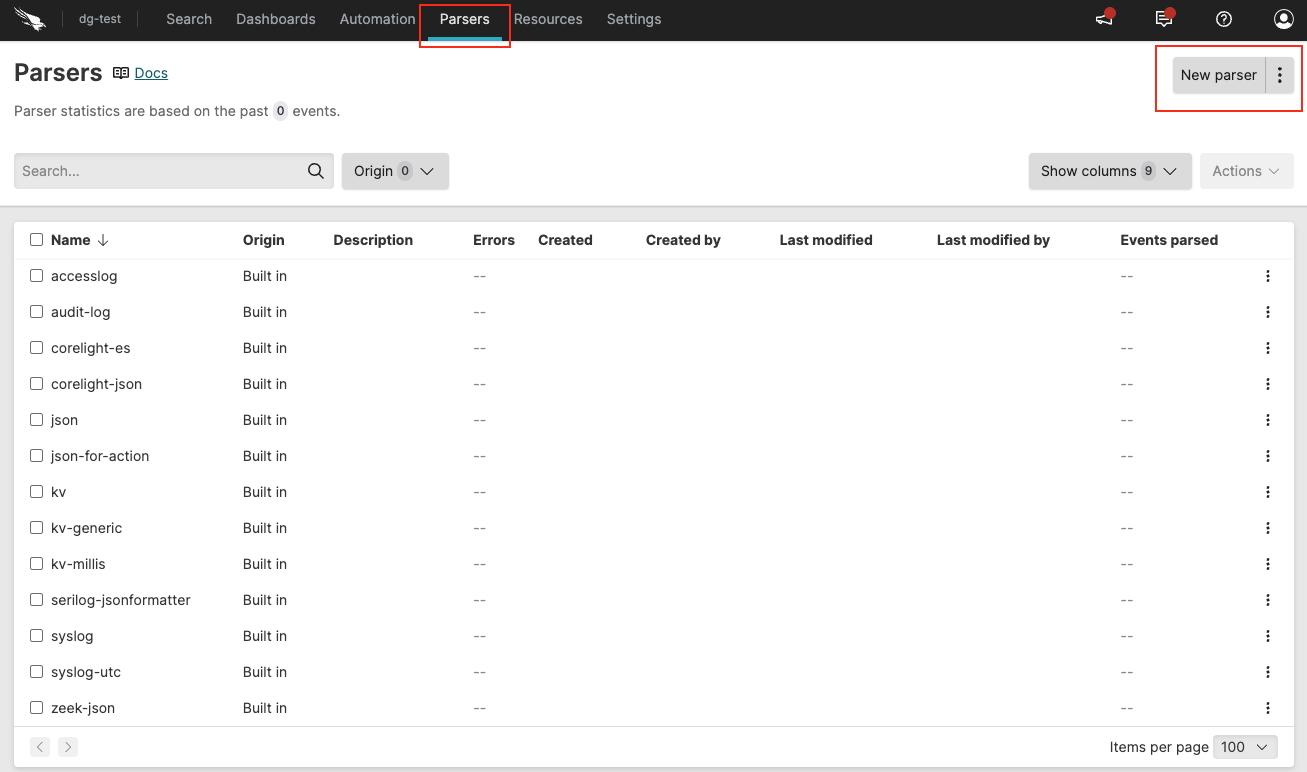
Figure 69. Parser Overview
In the Create Parser dialog box, enter a name for the parser: only alphanumeric characters, underscore and hyphen are allowed, and the name must be unique inside the repository.
Click : the new parser is now added to the parser overview.
Optionally, click ⋮ next to the button if you want to import the parser:
Import from template – browse for or drag and drop a valid .yaml parser file, then click .
Import from package – select a package from the dialog, then click .
Click on your parser in the list to open the parser editor and start writing your parser.