


OpsGenie Action
Security Requirements and Controls
Change triggers and actionspermission
OpsGenie Action is based on OpsGenie, an alert routing and incident management system that works well with LogScale.
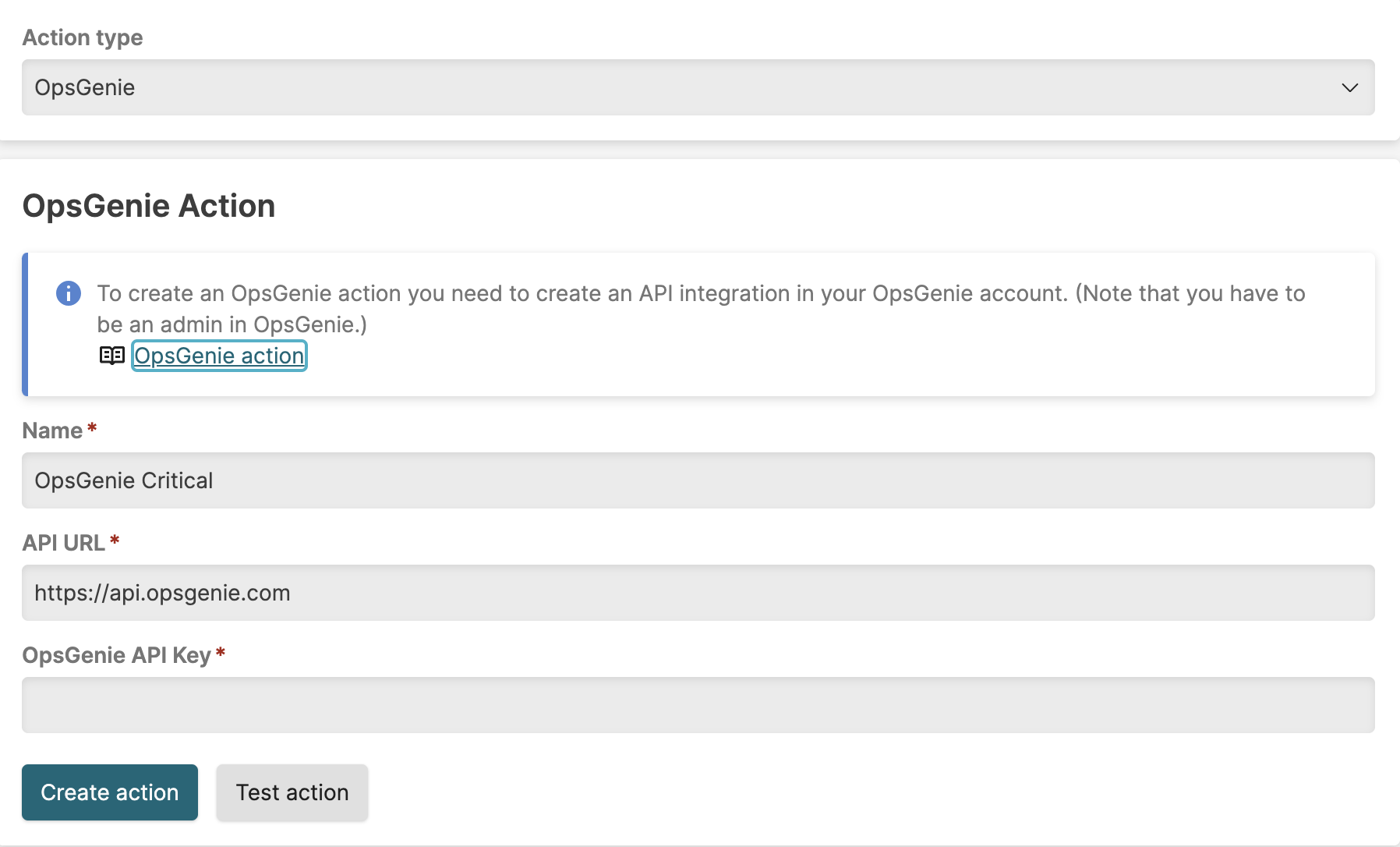 |
Figure 160. Configuring OpsGenie Action
Go to OpsGenie and add a LogScale API integration in your account: follow the procedure at the OpsGenie support page Integrate Opsgenie with LogScale on how to do it.
Go to LogScale and create a new OpsGenie action as described in Creating Actions.
Fill in the OpsGenie action parameters as required (see table below)
| Parameter | Description |
|---|---|
| Name | The name provided for the OpsGenie action. |
| Labels | A comma-separated list of labels identifying actions based perhaps on purpose or area of responsibility, to be used later to review actions for proper coverage. |
| API URL | URL used for the API integration. |
| OpsGenie API Key | Where to copy the API key generated in OpsGenie while adding the LogScale integration. |
Your OpsGenie action is now fully configured and ready to use.
An crowdstrike/logscale-opsgenie package is also available, which provides a template for a webhook action thus to customize elements of the action.