

Time Zone Settings
The Time Zone picker allows you to set the time zone for all widgets on your dashboard. By default, dashboards use the time zone set in the Account's General Settings. The selected time zone determines how LogScale interprets calendar-based time selections (specific dates and times), as well as how it automatically formats timestamp fields displayed on the widgets.
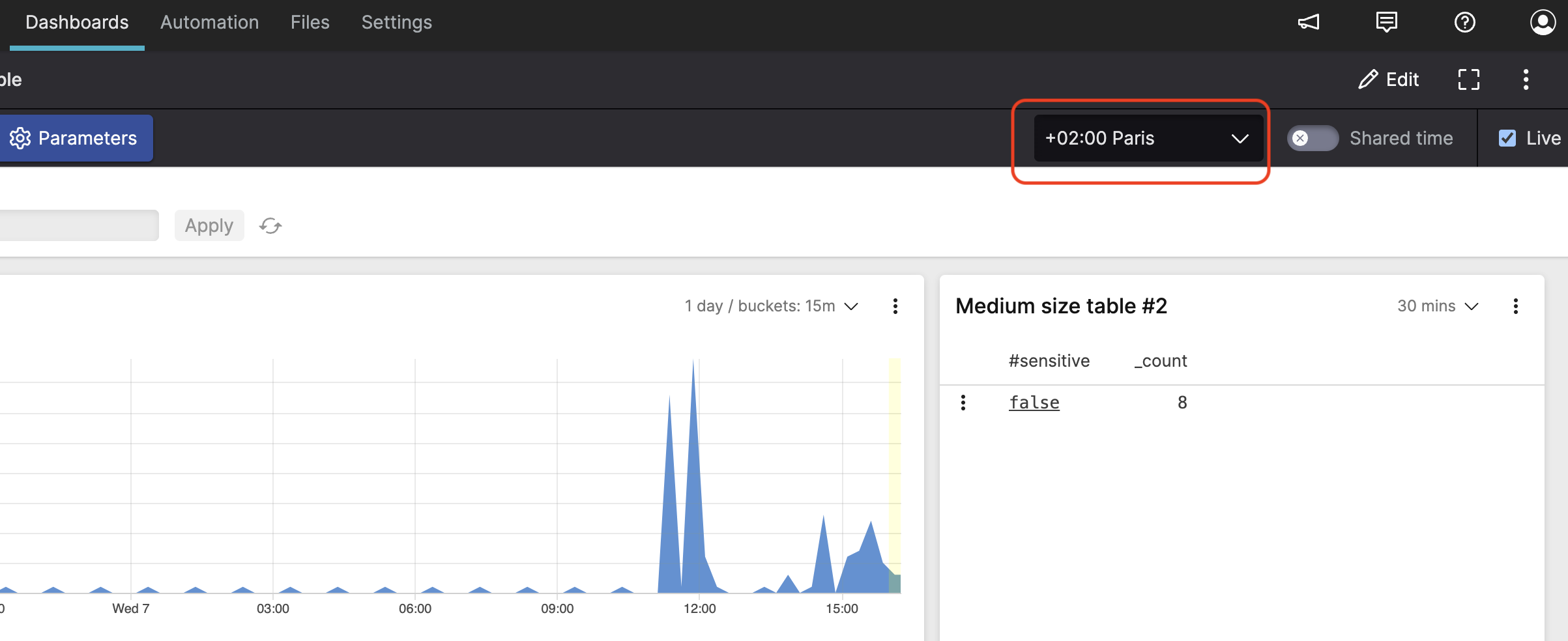 |
Figure 184. Time Zone Picker
You can adjust the time zone on the fly when viewing your dashboard.
As a related feature, individual
Time Chart widgets can
display the UTC time zone alongside the dashboard's selected time zone.
This can be useful when analyzing data across different time zones. See
Show UTC Time property for more information.