

Automation Interface
The Automation interface shows the
automation asset types of a given repository in a
table format layout. The left-hand
navigation panel displays available asset types based on your repository
and asset permissions:
See Triggers for all information about triggers's functionalities and management.
See Actions for all information about actions's functionalities and management.
Scheduled reports
See Schedule PDF Reports for all information about scheduled reports's functionalities and management.
For information on persisted aggregations syntax, see Persisted Aggregations Syntax.
For information on how to create and manage persisted aggregations, see Persisted Aggregations.
Repository triggers shows an example of available triggers in a specific repository:
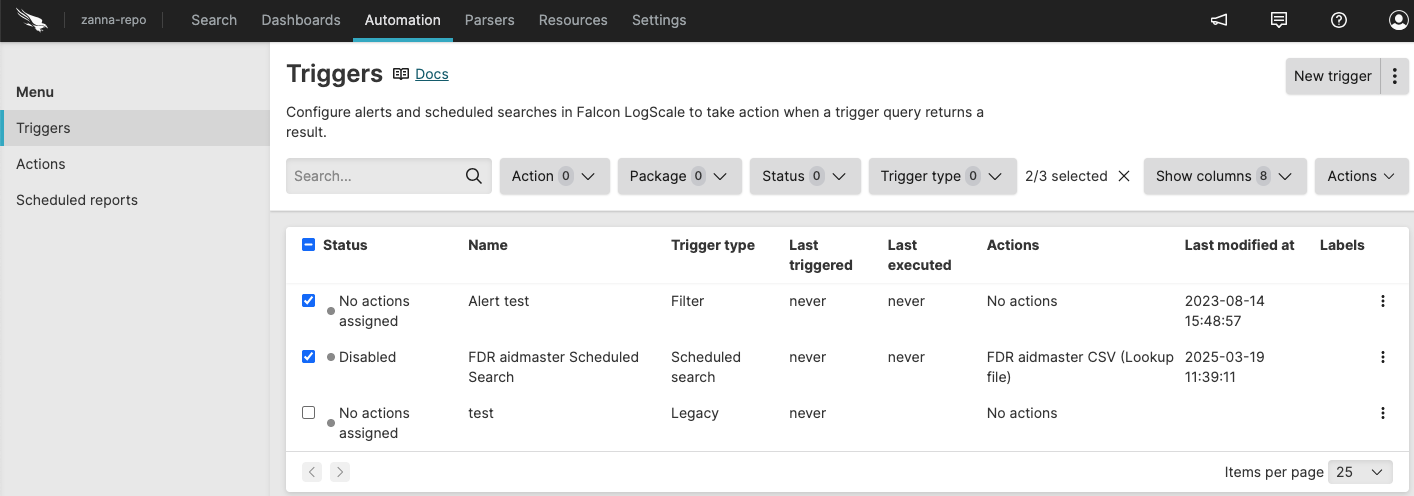 |
Figure 18. Repository triggers