

Add a Query to the Blocklist
Organization owners or administrators with root access can add queries to a blocklist through either the Query Monitor's Block and Kill panel or by explicitly adding blocks based on query strings and regular expressions. The process involves selecting pattern types (exact match or regex), defining matching criteria, and choosing whether to apply blocks organization-wide or to specific repositories, with any matching queries being immediately stopped and prevented from running until an administrator removes the block.
There are two ways to block a query:
Use the
Block and
          Kill
panel on the page.Explicitly add a block based on a query string or regular expression on the page.
Important
To add a query to the blocklist you must have root access.
Click the button.
You will be prompted to define the block:
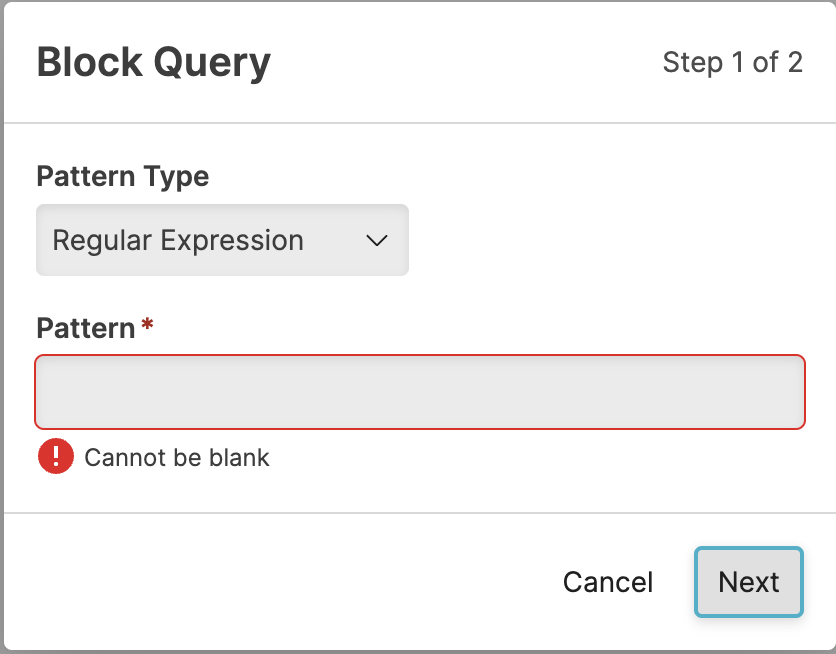
Figure 22. Query Administration Adding a Block
Select the Pattern Type: either
Regular ExpressionorExact Match.Enter the matching pattern or exact query into the Pattern box.
Click .
You will be prompted to select the repo to which the block applies. If you do not select a repository, the query will be applied across all repositories. You can search for repositories, or select the matching repository from the list provided. You cannot select multiple repositories.
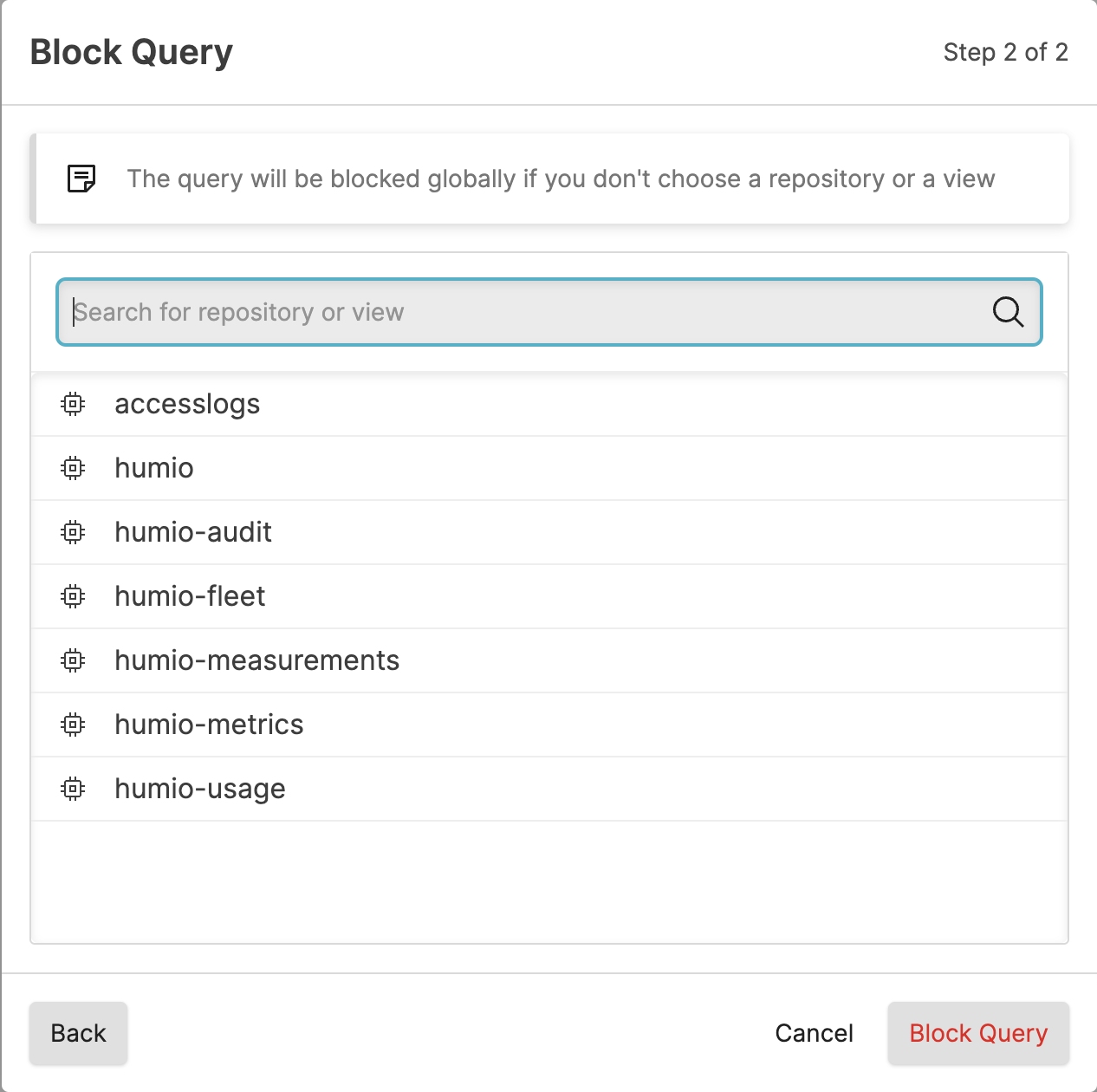
Figure 23. Query Administration Adding a Block Repository Selection
Click .
Note
If you cancel the process, you will be warned that the query block specification will be lost.
Queries that are currently running and match the new pattern are stopped immediately and prevented from running until this entry on the blocklist is removed by an administrator, or until the query is changed in such a way that it no longer matches the pattern defined in the block.