

Use Saved Queries in Interactions
You can use saved queries to save interactions on the
Search page, thus avoiding recreation of
the same interaction at every search. For more information on the
interactions that LogScale supports, see
Event List Interactions and
Work with Dashboard Interactions.
You can either:
Load a saved query with interaction from the Queries dropdown and click the Saved tab (or pick a saved query from a package):
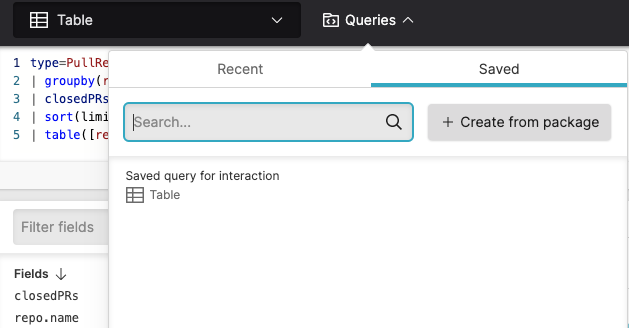
Figure 34. Loading a Saved Query
Make an interaction from a query you have created and save it in a new saved query — or save your interaction in an existing saved query.
From the Results panel, click and select the option to open the Save query dialog box, where you save your query along with the interaction you have created.
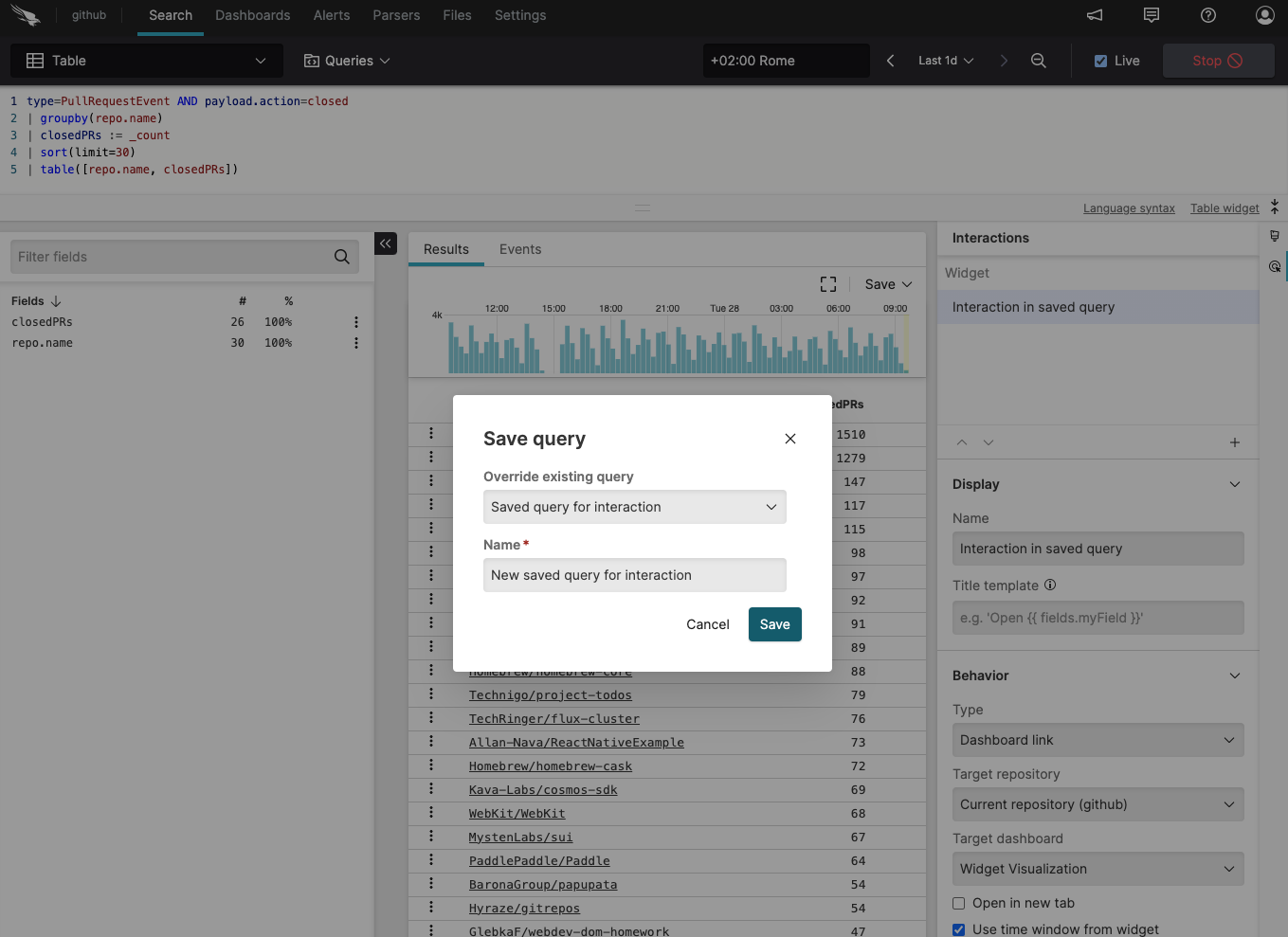
Figure 35. Interaction with a Saved Query